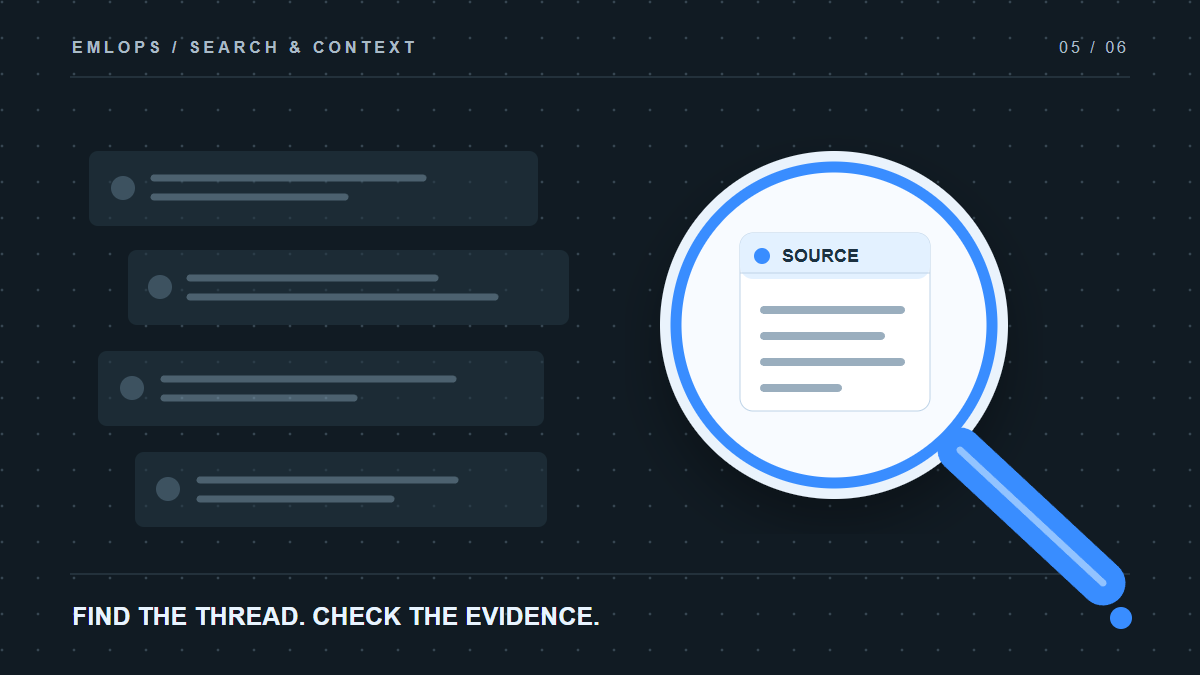
How do you search across multiple email accounts in emlOPS? Search the connected workspace so you can look for a conversation without first guessing which account received it. Then open the underlying thread to check the actual sender, date and words before acting on the result.
That final step is essential. Most people do not remember an email by its exact subject. They remember a fragment: “the vendor who mentioned the revised cap sample,” “the client who moved Friday's call,” or “the invoice with the new payment terms.” A good search experience helps reconstruct context without turning a guess into a fact.
Why is searching several inboxes so hard?
The information you need may be in a personal Gmail account, a company mailbox, or an alias that routes to one of them. You may search the wrong account twice, find an old version of the thread, and answer based on a superseded message. More folders do not solve the problem if you still need to know where to begin.
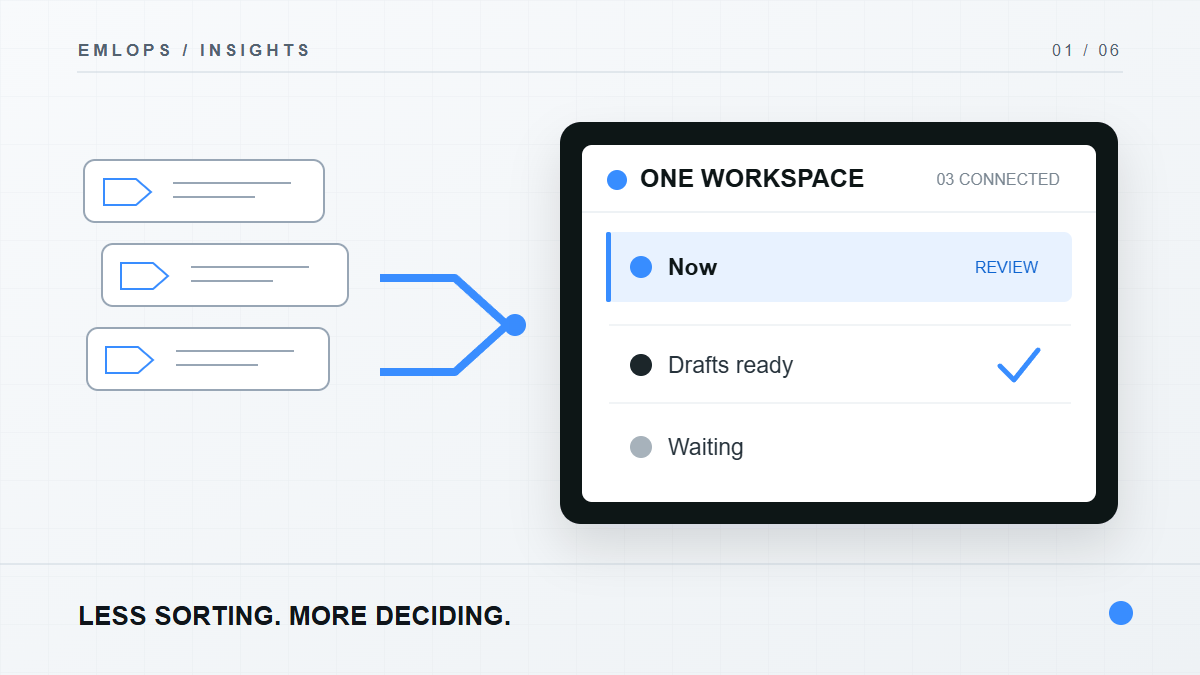
emlOPS brings connected conversations into one workspace. That lets you begin with the work you remember rather than the login you have forgotten. Results are most valuable when they preserve the source account and let you inspect the original conversation.
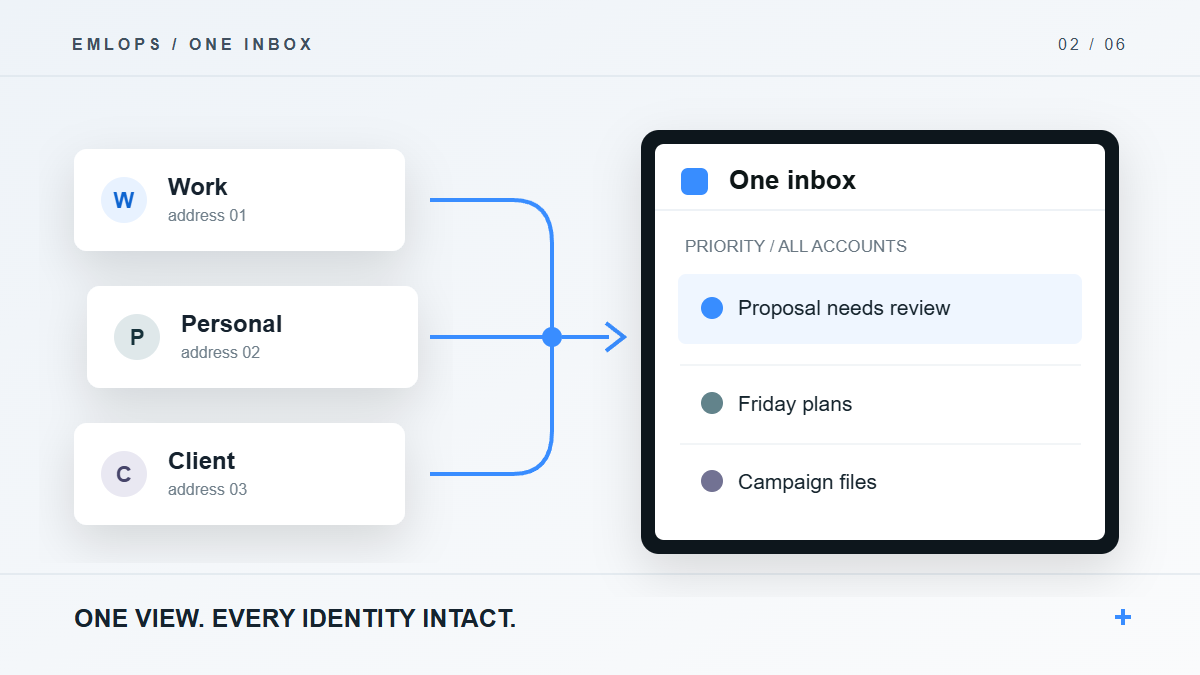
This is the same idea behind one inbox for every address you use: the view comes together, while account identity remains visible.
What should a trustworthy result show?
At a minimum, a result should let you answer four questions:
- Which conversation is this? The thread title, participants and time distinguish a current answer from an old one.
- Which connected account supplied it? This matters for permissions and for any reply you might prepare.
- What does the source actually say? Open the message rather than relying only on a search snippet.
- What happened after it? A later reply may resolve, amend or contradict the first one.
Suppose you search for a supplier's quote. One message says the first sample will be delivered on Tuesday; a later one changes it to Thursday. The useful answer is not “Tuesday appears in search.” It is “the latest confirmed date is Thursday,” with the later message available to inspect. Search is a path back to evidence, not an excuse to skip it.
Where does AI fit into finding information?
AI can help summarize a selected thread and prepare a follow-up, but an answer about an entire mailbox needs strong retrieval and source links. emlOPS has thread-scoped AI chat paths in the beta; a fully dependable assistant that answers across every connected account is a larger product goal. It should never be presented as complete merely because a chat box exists.
The quality bar is straightforward: an answer about email should tell you which messages support it, show uncertainty when the evidence is incomplete, and let you open the original conversation. If there is no source, it is a suggestion to investigate, not a fact you should send to a customer.
For a reply after finding the source, see how emlOPS drafts with a human final say.
A practical search habit for busy workdays
- Search by a distinctive person, phrase or project, not only a generic word such as “invoice.”
- Open the result and read the newest relevant messages in sequence.
- Confirm the account and sending identity before replying.
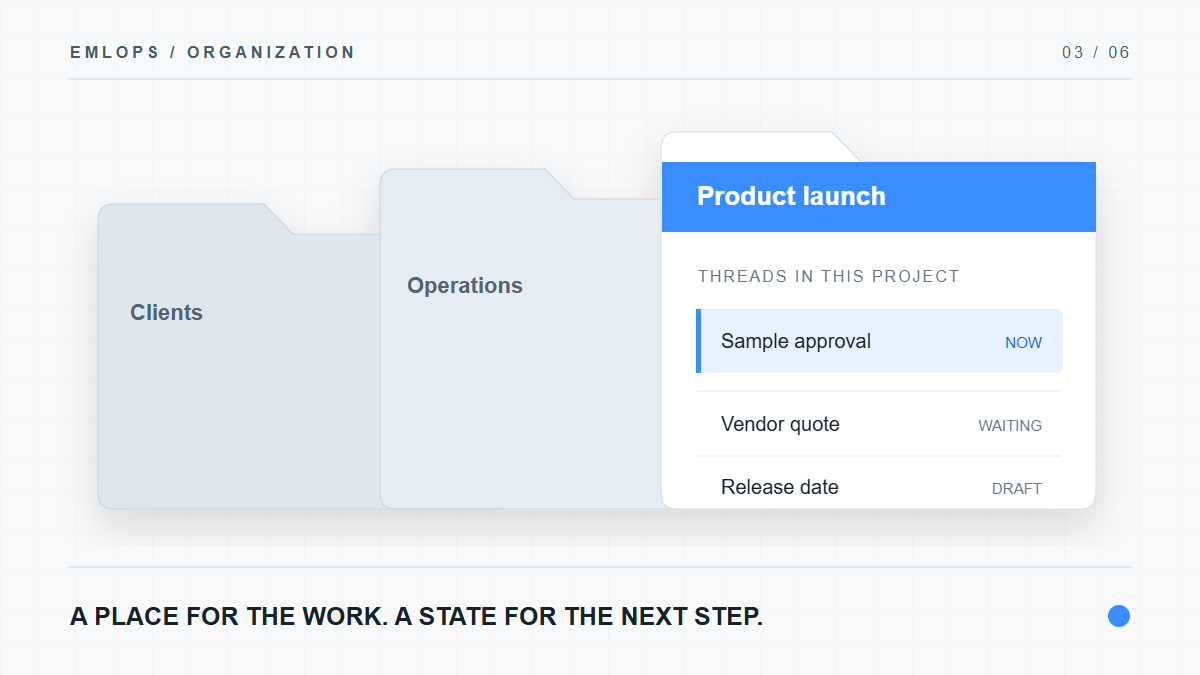
- If this is recurring work, route the thread into a project so next time the context is easier to find.
- If an attachment is involved, open it from the provider; the file itself is not part of the search snippet.
These steps sound modest. They are the difference between locating a plausible email and using the correct information.
Frequently asked questions
Does emlOPS search accounts I have not connected?
No. Search is limited by the connected accounts and access authorized for the workspace. An unavailable provider does not silently contribute mail.
Will AI chat answer every question about all of my mail today?
No such blanket claim is appropriate for the current beta. Thread-scoped AI capabilities exist, while reliable cross-account answers with citations remain a product goal.
Are attachment files copied into search storage?
The workspace stores attachment metadata; attachment bytes remain with the provider and open through a provider path. For the broader data model, read what happens when you connect emlOPS.
Product details reviewed September 23, 2026. Search coverage depends on completed synchronization and the exact accounts connected.
Have a question or a correction?
Talk to the emlOPS team