How do you organize email by project in emlOPS? Give a thread a work lane for its next action, then route it into the project and folder that own the outcome. When a sender consistently belongs to the same workstream, you can teach emlOPS a reusable route. Your manual choice takes precedence over a later automated guess.
Folders are useful, but a conventional mailbox often asks them to do two incompatible jobs. “Client A” describes a subject. “Reply today” describes a decision. Put both in a single folder tree and you either duplicate everything or stop seeing what is urgent.
What is the difference between a lane and a project?
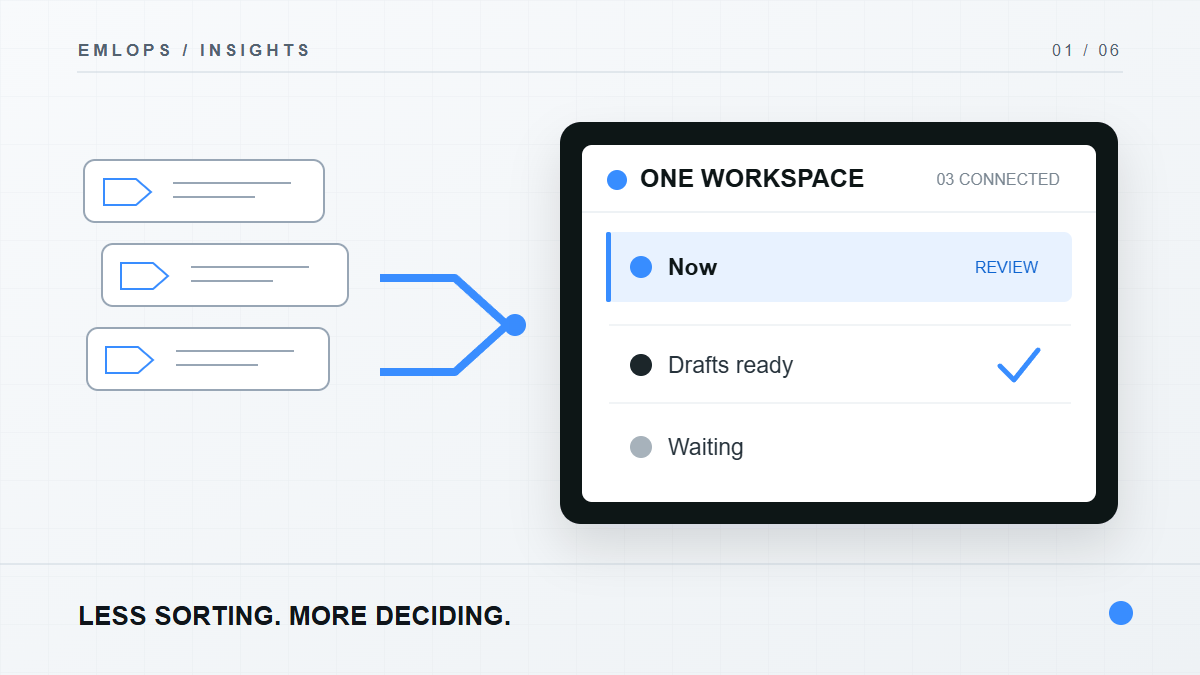
A lane answers, “What should happen next?” Now holds work that needs attention; Drafts ready holds prepared replies; Waiting holds conversations that need someone else's response; FYI and Noise keep lower-action mail visible without competing for the same attention.
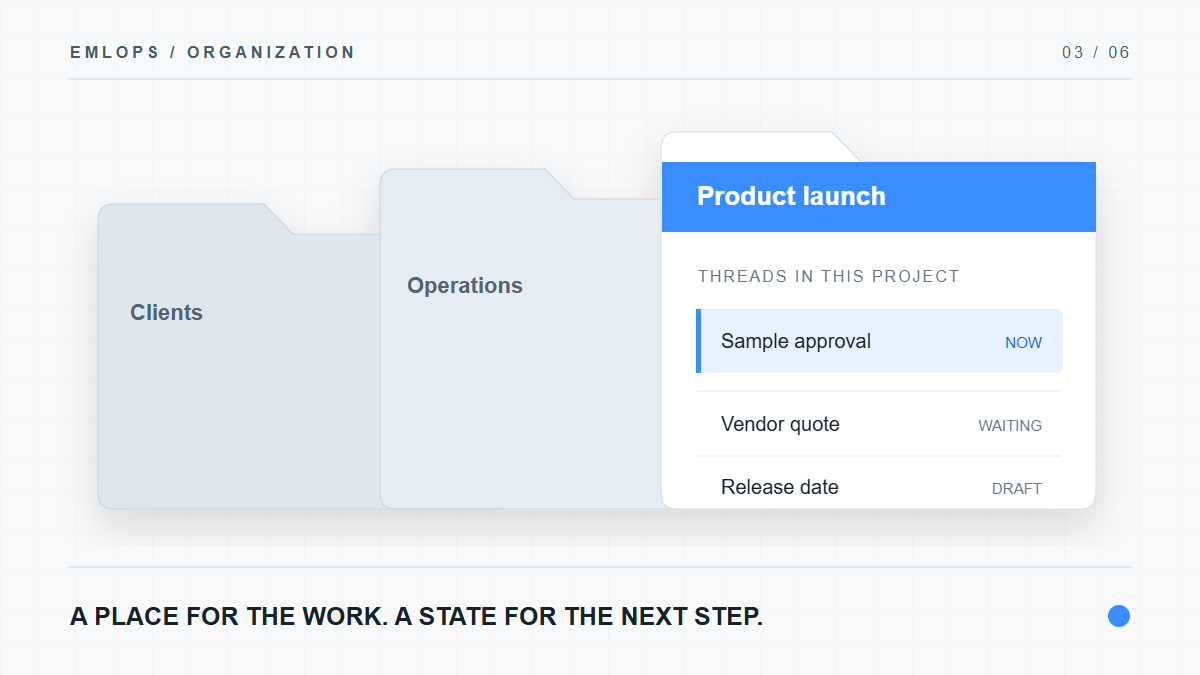
A project answers, “What is this work about?” It might be a customer relationship, a product launch, financing, a hiring process or a home renovation. A folder inside that project can separate proposals, invoices, approvals and reference material.
One thread can therefore be “Waiting” and still belong to “Website launch / Vendor quotes.” The status can change tomorrow; the project context remains. This is why emlOPS does not treat an inbox label as a complete task system.
What does this look like for a real workstream?
Suppose you manage a product launch through three addresses. A designer sends a revision to your business mailbox. A supplier confirms packaging from your operations alias. A customer asks about the release date through a support address.
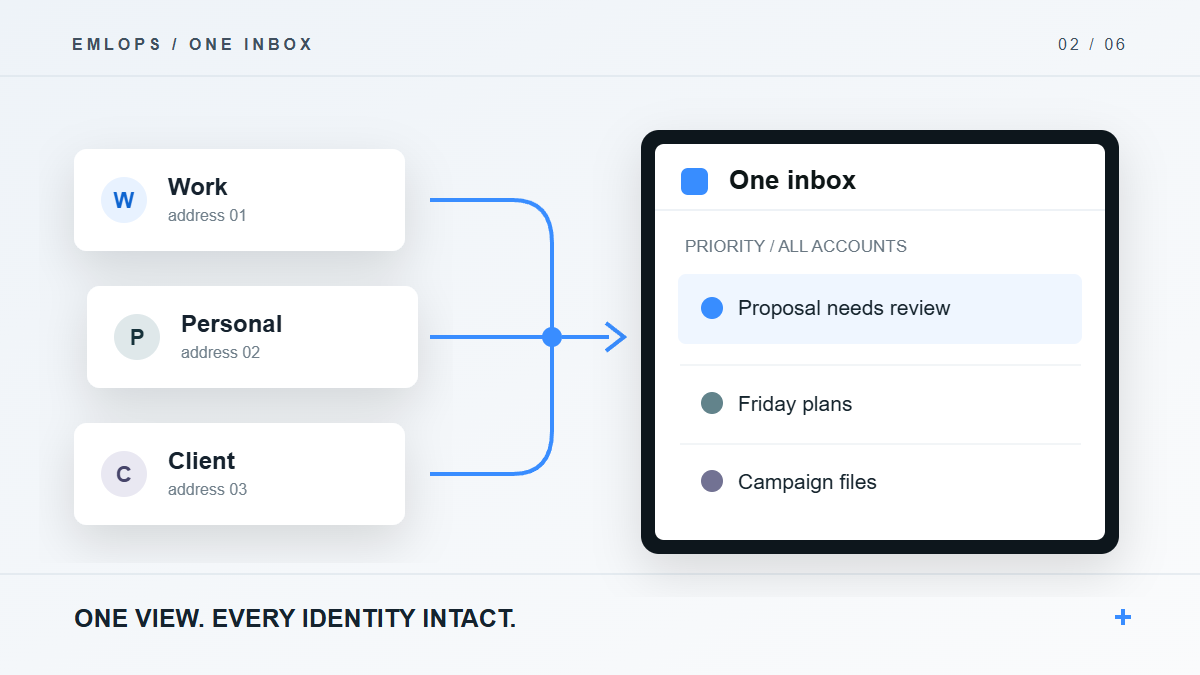
In an arrival-order inbox, these are three unrelated entries. In emlOPS, each can be routed to the launch project while remaining tied to its original account. The design request may sit in Now, the supplier confirmation in FYI, and the customer response in Drafts ready. You can review the work by urgency or open the project to see the whole conversation around the launch.
The example is illustrative, not a claim that the application automatically understands every project. When the assignment is wrong, you correct it. A project system earns trust by making those corrections easy and respecting them afterward.
Can the routing learn from my corrections?
emlOPS supports operator-created sender rules for future mail from a sender. That saves repeated filing when a known contractor, customer or service always belongs in one place. You can also remove a rule when the relationship changes.
Manual routing is protected: a later sync or classification pass should not override the route you set. This is a deliberate trust boundary. An automation that silently moves a critical thread back out of the place you chose would cost more time than it saves.
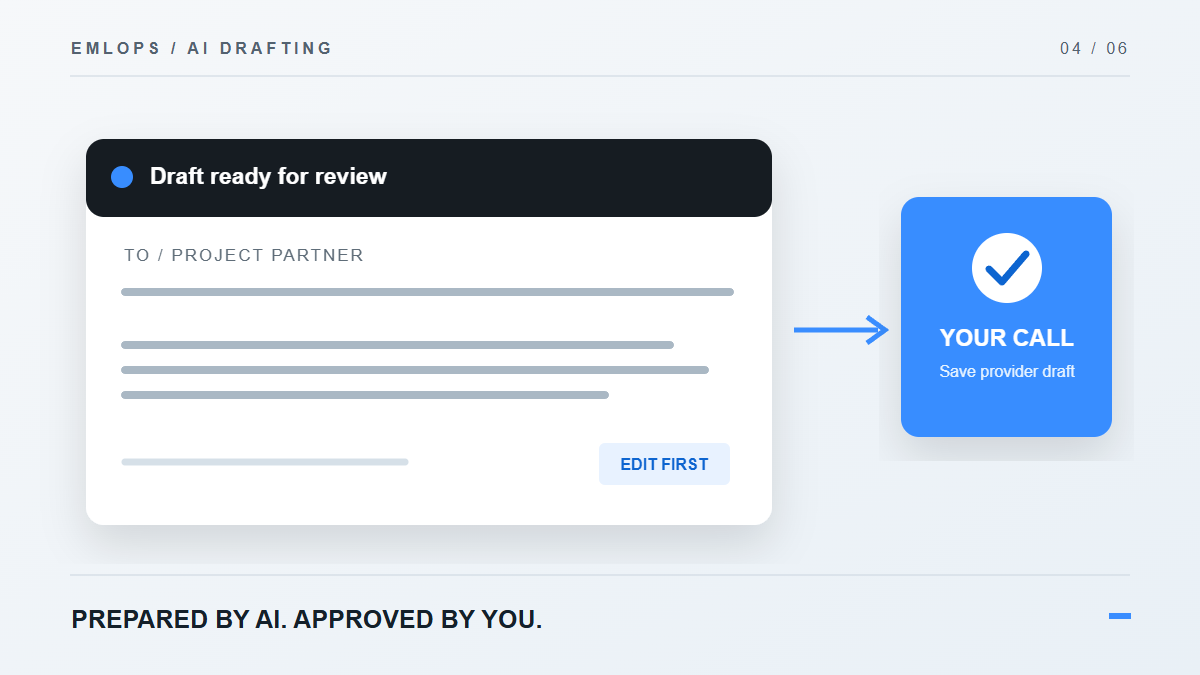
For the broader account view, read one inbox for every address you use. Once a project is clear, AI drafts with your final say can help prepare the next response.
How should I set up my first projects?
Start with outcomes, not an elaborate taxonomy:
- Name three active workstreams you would search for next week.
- Make one project for each workstream.
- Add a folder only when it separates two kinds of work you actually review differently.
- Route a handful of current threads manually and check whether the project view feels complete.
- Add sender rules only for relationships with a stable destination.
- Review the Waiting lane as well as Now; the absence of a new message does not mean a commitment disappeared.
This is intentionally small. A deeply nested structure can become a second inbox to maintain. The purpose of a project is to make the next decision easier.
Frequently asked questions
Do projects replace my Gmail labels or Outlook folders?
They are a workspace organization layer. Your provider account keeps its own mail and sending controls. Do not assume every emlOPS project maps to a provider folder.
What if emlOPS files a thread in the wrong project?
Move it. Operator-set routing is recorded and protected from later automatic reassignment; a recurring sender can also receive a rule for future messages.
Do I need a project for every sender?
No. Create projects for workstreams that need a shared context. Leave one-off messages in the lane that fits their next action.
Product details reviewed September 23, 2026. The available account connections depend on the current beta configuration.
Have a question or a correction?
Talk to the emlOPS team