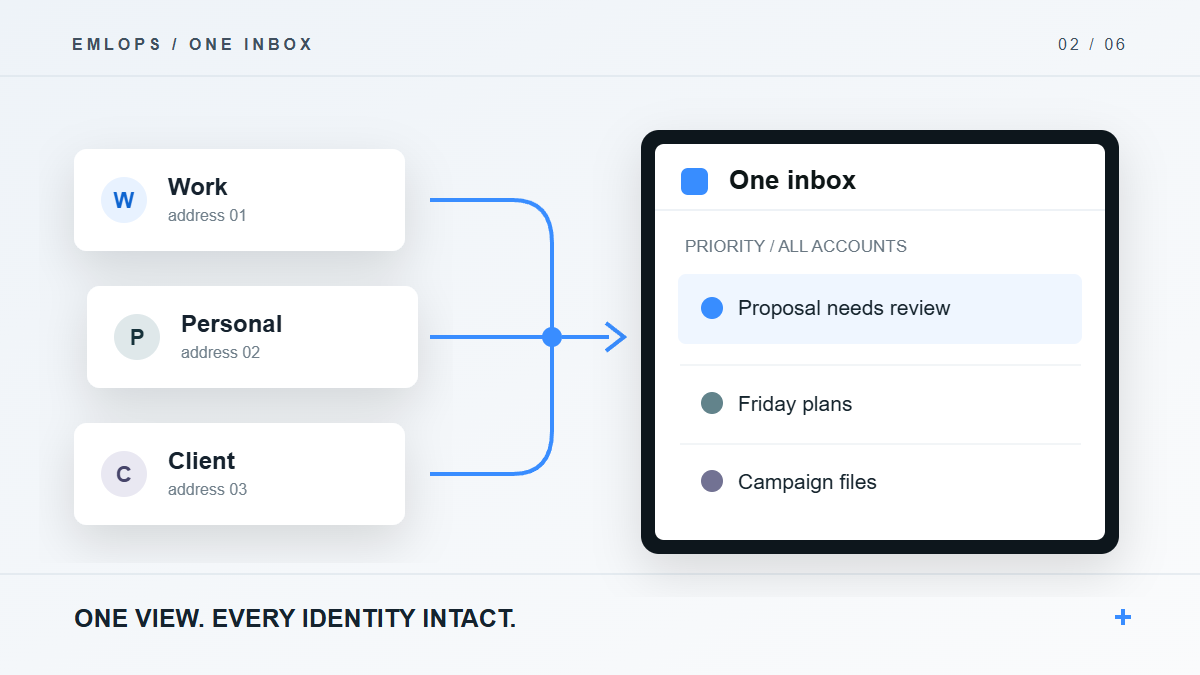
Can emlOPS put multiple email accounts in one inbox? Its One Inbox view is designed to show mail from connected accounts in a single workspace while preserving which account and sending identity belong to each conversation. That is more useful than simply forwarding everything to one address.
For people with personal, business and project mailboxes, a unified inbox should answer two questions immediately: “What needs me?” and “Which address am I acting as?” If it solves the first by hiding the second, it creates a new source of mistakes.
Why is forwarding everything to one mailbox not enough?
Forwarding moves a copy of a message. It can make messages easier to see, but the reply identity, original folder, thread state and provider controls may still live elsewhere. You can end up with one crowded destination inbox and several accounts that still need manual maintenance.
emlOPS approaches the problem as connected accounts. Each supported provider is authorized separately; the workspace brings the resulting conversations together for triage. The source account remains part of the thread's context. A reply should use an identity the provider recognizes, not a free-form address typed into a box.
How does emlOPS keep accounts distinct in one view?
The workspace associates synchronized mail with its connection. In supported Gmail accounts, emlOPS can discover the primary address and accepted “Send mail as” identities; a provider draft uses a verified identity. The product tries to prefer the identity that received the inbound message. The provider still decides what it will accept when the message is sent.
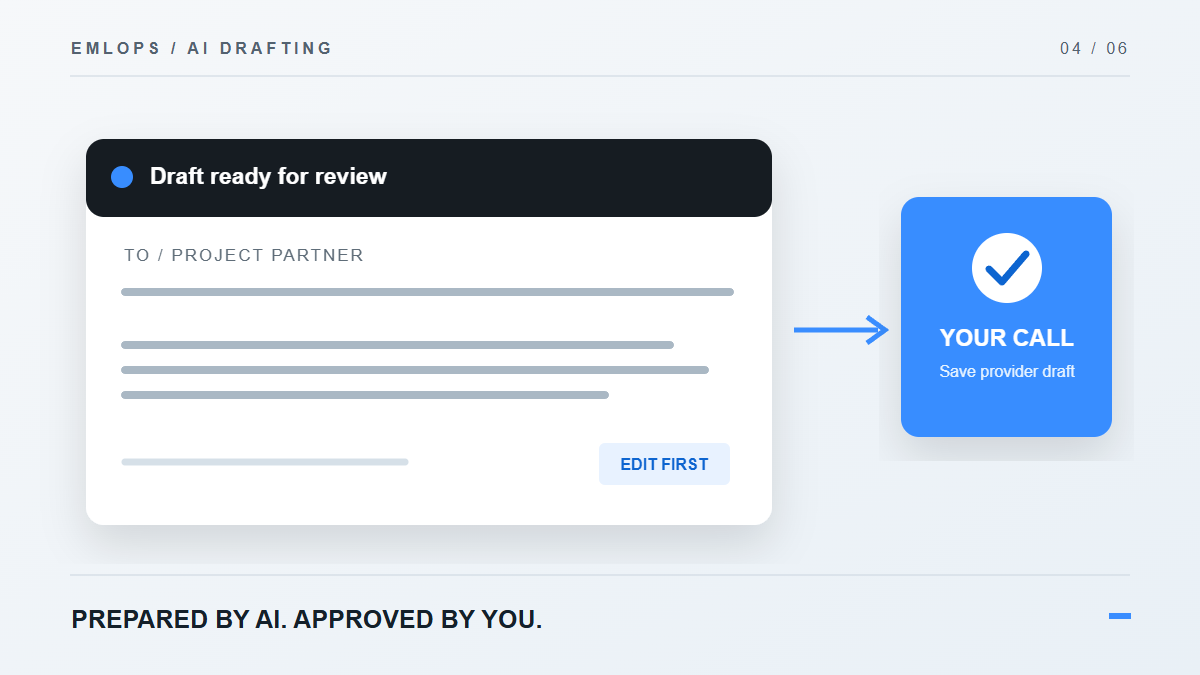
The practical effect is visible in a common scenario. A client writes to your business alias, while a family member writes to your personal Gmail account. Both can appear in the same work view, but the proposed reply to the client must not silently acquire the personal From address. You should be able to inspect and correct the sender before saving the provider draft.
Alias behavior is subject to the provider's own rules. Adding a mailbox to a unified workspace does not create new aliases or grant permission to send as an unverified address.
What gets sorted after the accounts are connected?
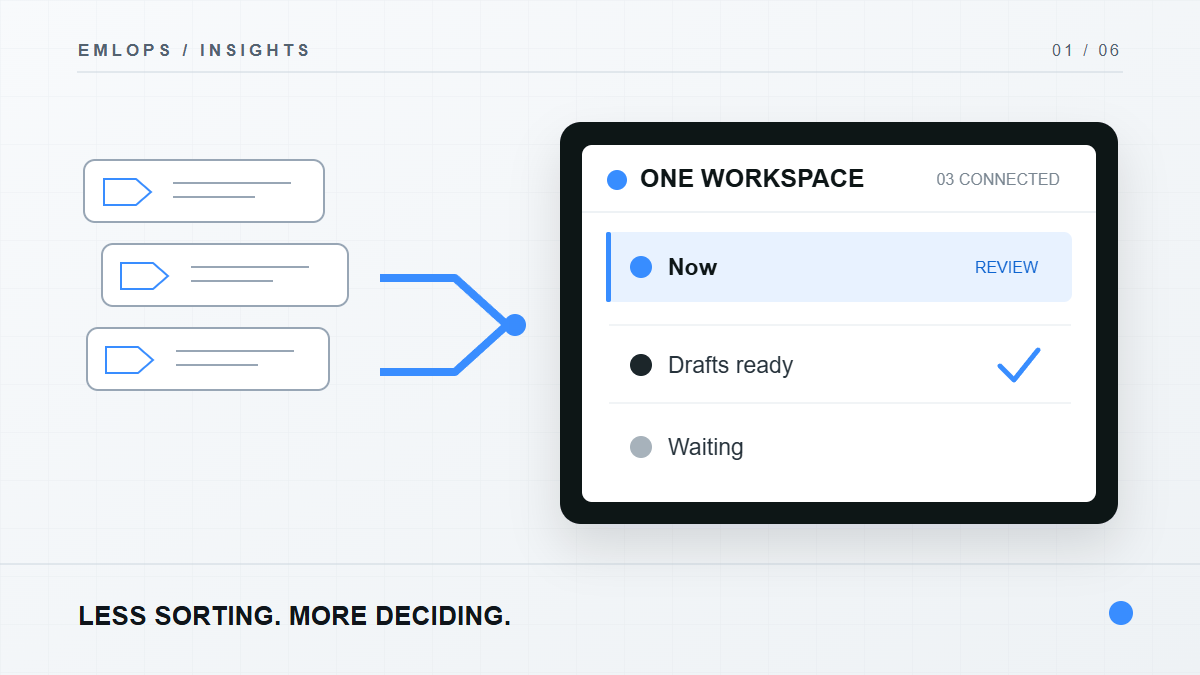
One Inbox is the entry point, not the final filing system. emlOPS places conversations into work lanes such as Now, Drafts ready, Waiting, FYI and Noise. You can correct a classification. Explicit corrections and sender rules are protected from later automatic reassignment so the system can follow your way of working.
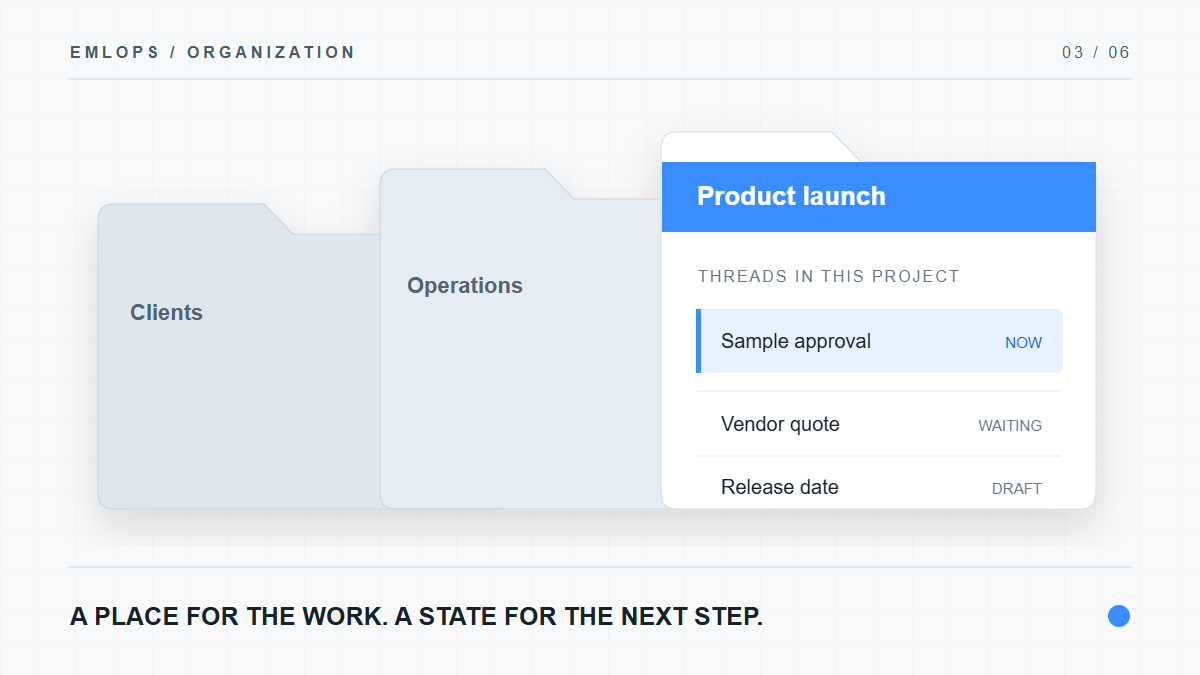
Then projects and folders give recurring work a stable home. A vendor thread can live under a launch project; a contract question can live under legal review. The account remains visible as the source even when the thread is viewed through a project.
See how projects turn email into organized work and what “Email. Operated.” means for the full workflow.
Which accounts can I connect today?
The verified private beta has centered on Gmail. emlOPS also has code and connection paths for Microsoft and other providers, but production availability depends on provider-owned credentials, consent and end-to-end testing. If a connection is marked setup pending in the app, treat it as unavailable rather than assuming that an email address alone can be imported.
This distinction matters for purchase decisions. Ask whether your exact account type can connect, synchronize, draft, reconnect after token expiry and disconnect cleanly before relying on it for daily work.
A first-account checklist
- Connect one supported account through its provider consent flow.
- Check the source account label on several threads, including an older conversation.
- If you use aliases, confirm they are approved at the provider and appear as valid From choices.
- Correct one lane or project assignment; make sure the correction remains after sync.
- Prepare a draft, inspect the From address, and save it to the provider only when it is right.
- Add a second supported account and verify that its conversations appear in the same view without changing their identities.
Frequently asked questions
Does One Inbox merge my email accounts into one new mailbox?
No. It combines their work view. Connected accounts and their sending authority remain with the email providers.
Can I send from any alias I type in?
No. emlOPS uses provider-verified identities. A name or address typed into the interface is not proof that the provider permits that From identity.
Does connecting an account make its attachments live on emlOPS servers?
Attachment bytes are intended to remain with the provider; the workspace stores attachment metadata and offers an open-at-provider path. See what happens to your email when you connect emlOPS.
Product details reviewed September 23, 2026. Supported providers and account permissions can change; check the connection state shown in the app.
Have a question or a correction?
Talk to the emlOPS team