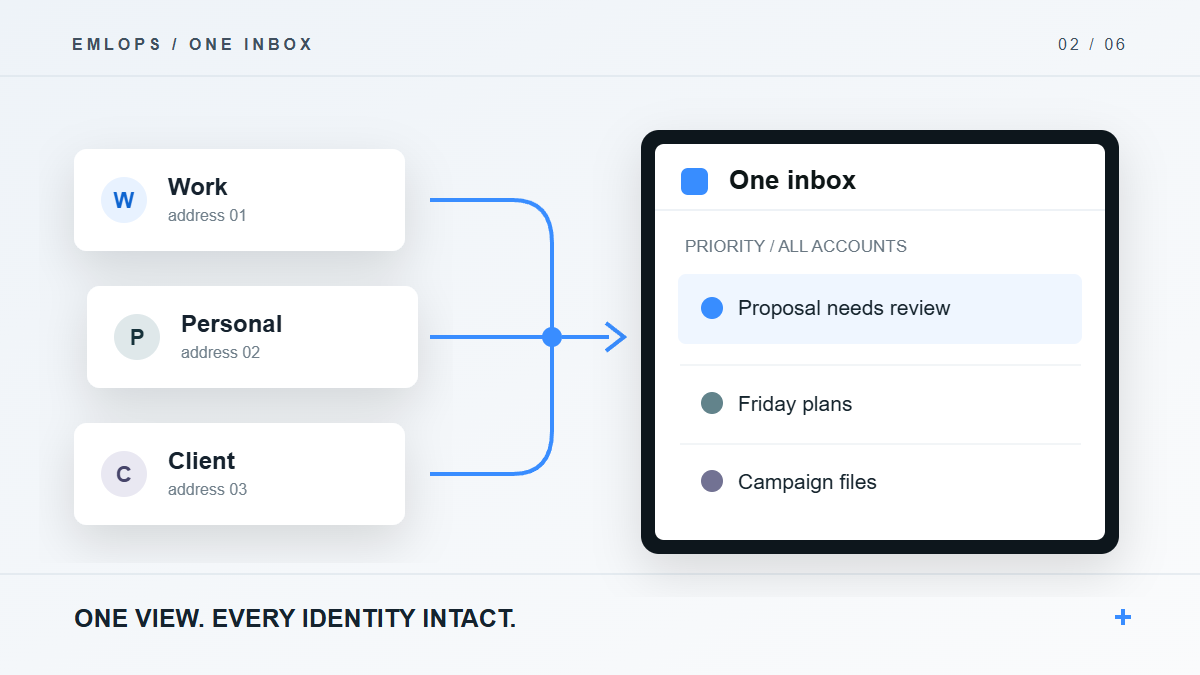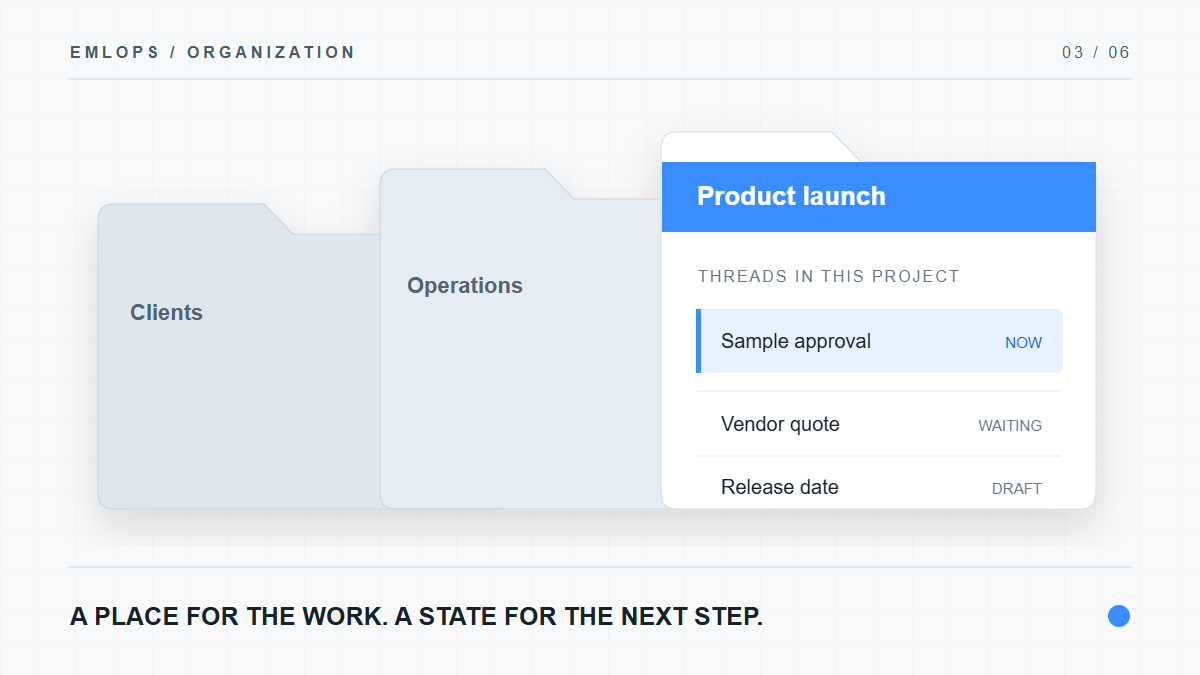
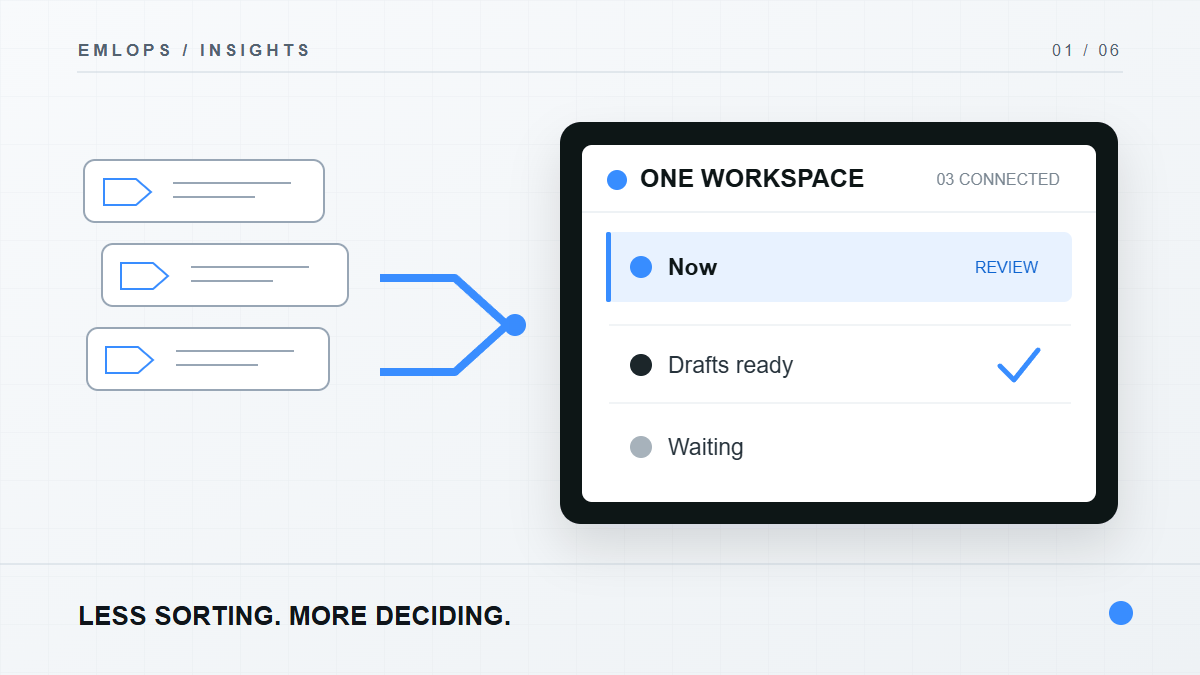
What is emlOPS? emlOPS is an email workspace built to turn incoming messages into a small set of decisions. It brings connected mail into one working view, sorts threads by what needs attention, gives them a project home, and prepares replies for your review. You decide what to send.
The distinction matters. A traditional inbox is a list of arrivals. Work is a sequence of commitments, questions, documents and decisions. A list can show that a message exists; it cannot tell you whether the work is done.
Why doesn't a faster inbox solve the problem?
Keyboard shortcuts and a clean interface make email quicker to read. They do not remove the repeated judgment calls: Which account has the message? Is it urgent? Does it belong to a client project? Do I owe a reply? What did we already promise in the thread?
If you receive mail at several addresses, those questions repeat across several inboxes. A person may finish a morning pass through one account only to discover a time-sensitive request in another. The cost is not merely the time spent opening messages; it is the effort of rebuilding context each time.
emlOPS starts with the unit that people actually work on: the conversation. It gives that conversation a place, a priority, and a next step.
What does “operated” mean in practice?
The working loop has five parts:
- Connect an account. emlOPS synchronizes connected mail into a shared workspace. The current private beta is centered on Gmail; other providers are added only after their production connections pass validation.
- See the work, not just the arrival order. The queue separates what needs you now from drafts ready for review, conversations waiting on someone else, useful information and lower priority mail.
- Give the thread a home. Route a conversation into a project and, where useful, a folder. Your explicit choice is protected from a later automatic reclassification.
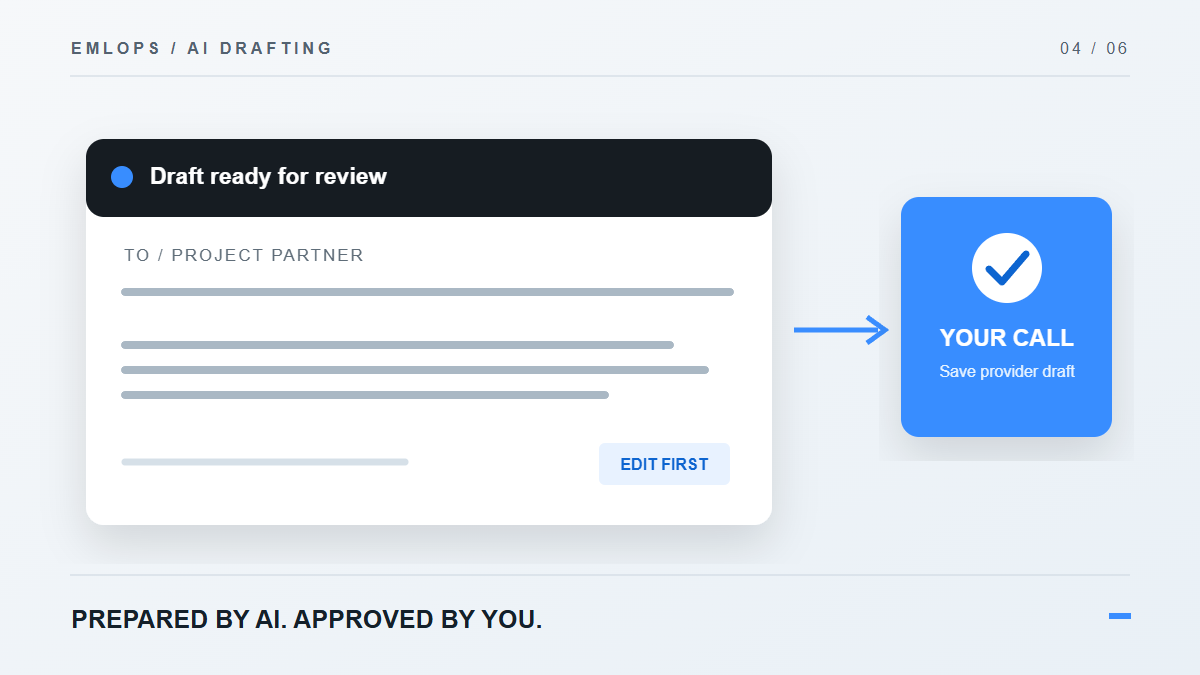
- Prepare the next move. Ask emlOPS to draft a reply from the recent thread context. Review and revise it before saving it as a draft with the mail provider.
- Finish deliberately. Send through the provider, or leave the thread waiting, archive it, or change its place in the queue.
Imagine a supplier sends a delivery change to your operations address. The message appears in the combined view, is placed in the appropriate work lane, and can be routed to the launch project. You see the prior exchange, review a proposed response, and decide whether to save it as a provider draft. There is no invisible “AI sent this” step.
What stays under your control?
The operator can correct a lane, priority, category or route. Manual choices have precedence over subsequent automation. AI drafting has a separate approval boundary: a generated response is preparation, not authorization to send. The source provider remains the final authority for sending mail.
This is also why the product does not promise that every account type works today. An attractive Connect button is not the same as a verified production connection. emlOPS marks unavailable providers as setup pending until the sign-in, sync, draft and recovery paths have been tested.
For more on the account view, read one inbox for every address you actually use. If project context is where your inbox breaks down, see how emlOPS organizes email around projects.
How would you know the new workflow is better?
Count fewer repeated decisions, not more features. A useful first week would look like this:
- A connected account has a clear sync state.
- An important thread lands where you would expect, or can be corrected in one action.
- A draft begins from the real conversation rather than a generic template.
- You can identify the sending address before saving the draft.
- You leave the workspace knowing what is waiting and what is finished.
That is the aim behind “Email. Operated.” The product is still being hardened as a private beta. Its value should be judged by how reliably it reduces the work of email, not by a claim that nobody ever needs to read a message again.
Frequently asked questions
Does emlOPS send replies automatically?
No. AI can prepare a reply, but you review it. A provider draft is saved only through an explicit action, and sending remains with the mail provider.
Is emlOPS a replacement for Gmail or Outlook?
No. It is an operational layer over connected providers. Your account and sending identity remain with the provider. Provider availability depends on the connection being ready in your workspace.
Can I start with one account?
Yes. One connected account is enough to experience lanes, projects and reviewable drafts. The one-inbox advantage grows as more supported accounts are added.
Product details reviewed September 23, 2026. Availability varies by provider and beta access. See Security and Pricing for current public information.
Have a question or a correction?
Talk to the emlOPS team